Take the RPTO test with marks
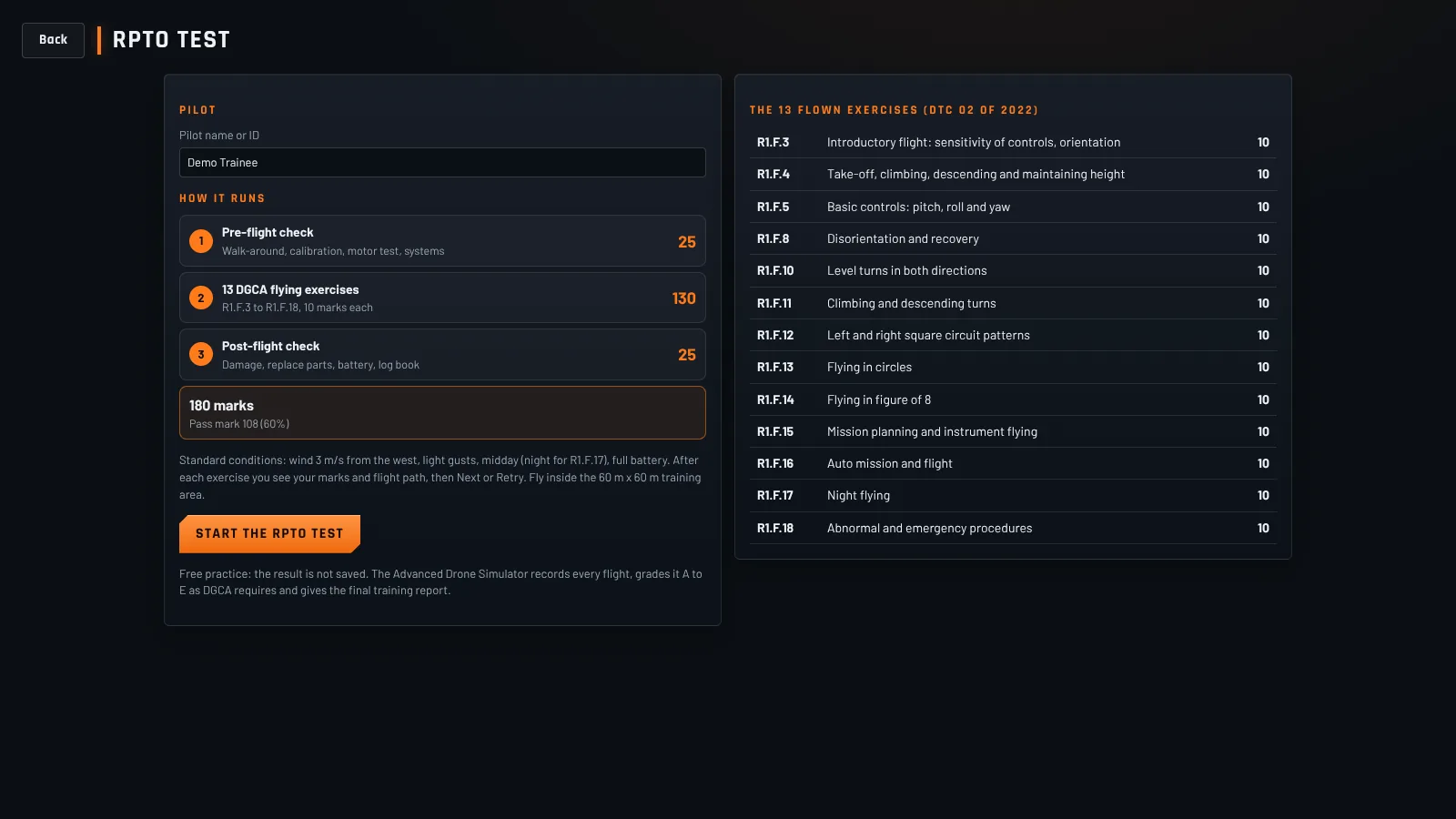
Pre-flight check (25 marks), the 13 DGCA flying exercises (10 marks each) and the post-flight check (25 marks). 180 marks, 108 to pass, exactly how the real test runs.
A drone flight simulator built as per DGCA guidelines. Take the RPTO practice test with marks, fly all 13 DGCA exercises and study the theory, on your own computer, with your RC radio or the keyboard.
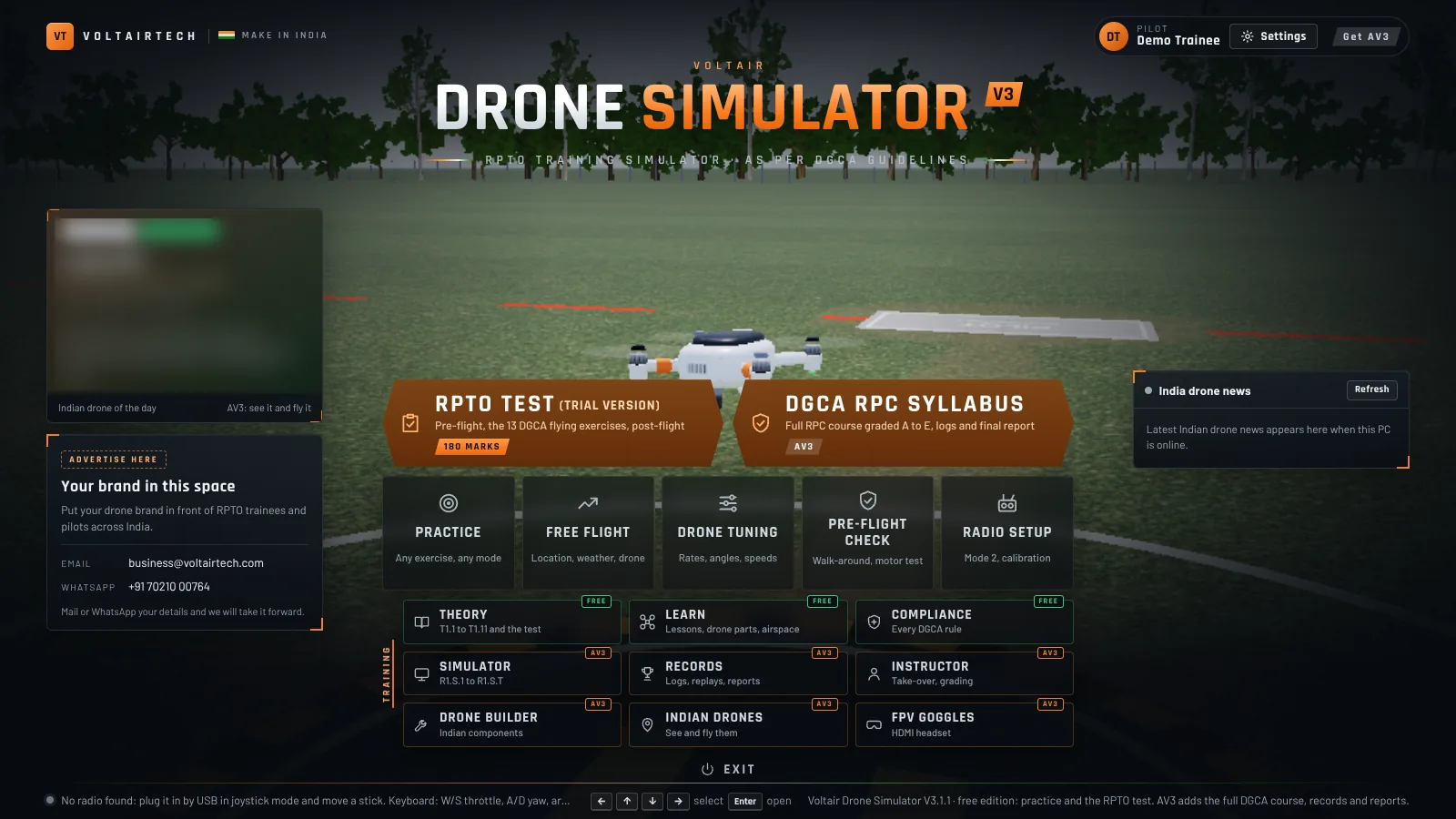
Pre-flight check (25 marks), the 13 DGCA flying exercises (10 marks each) and the post-flight check (25 marks). 180 marks, 108 to pass, exactly how the real test runs.
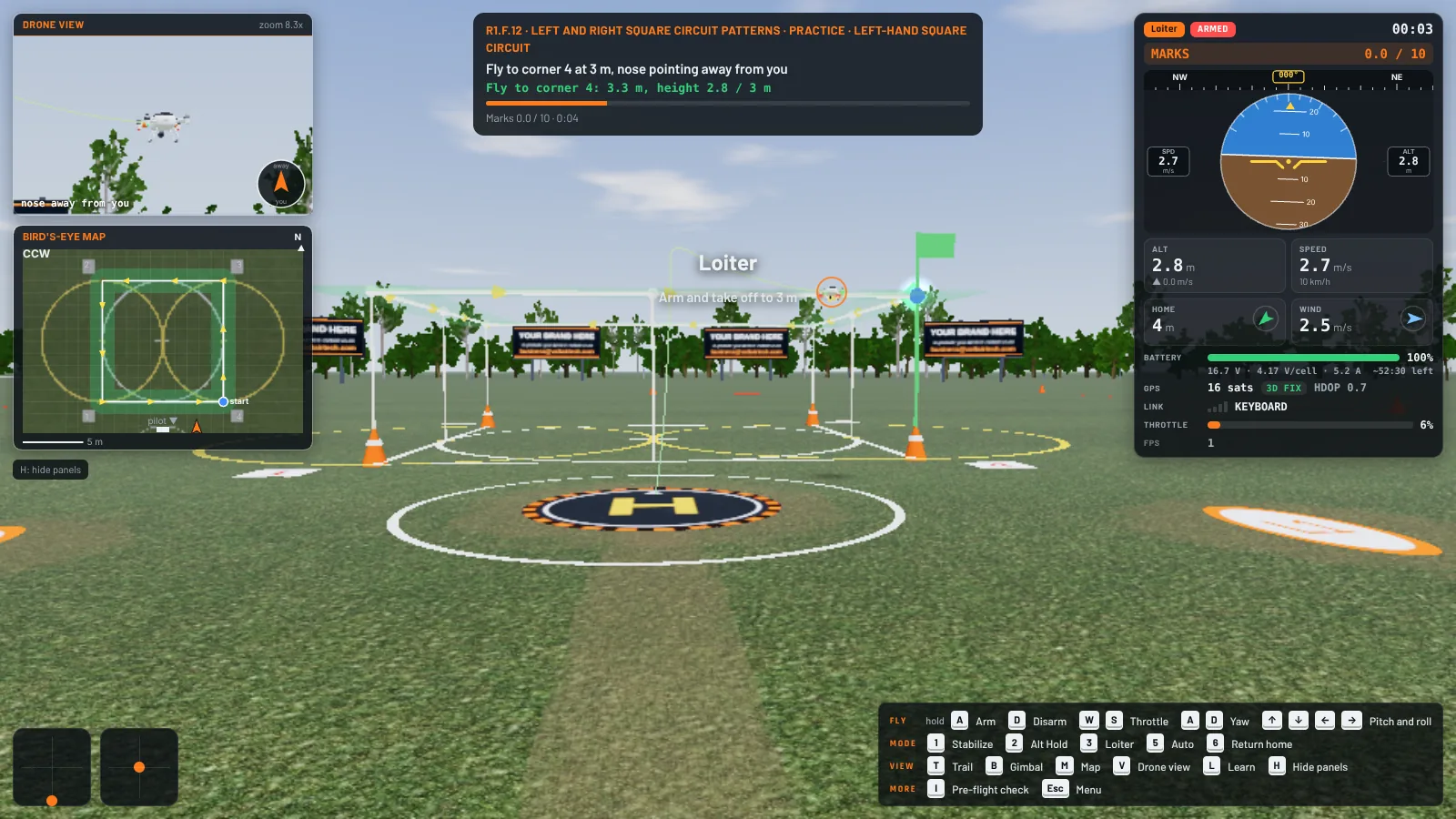
Square circuits, circles, figure of 8, night flying, emergencies and more, inside the 60 m by 60 m training area. Live instruments, a drone camera and a map show you what is happening.
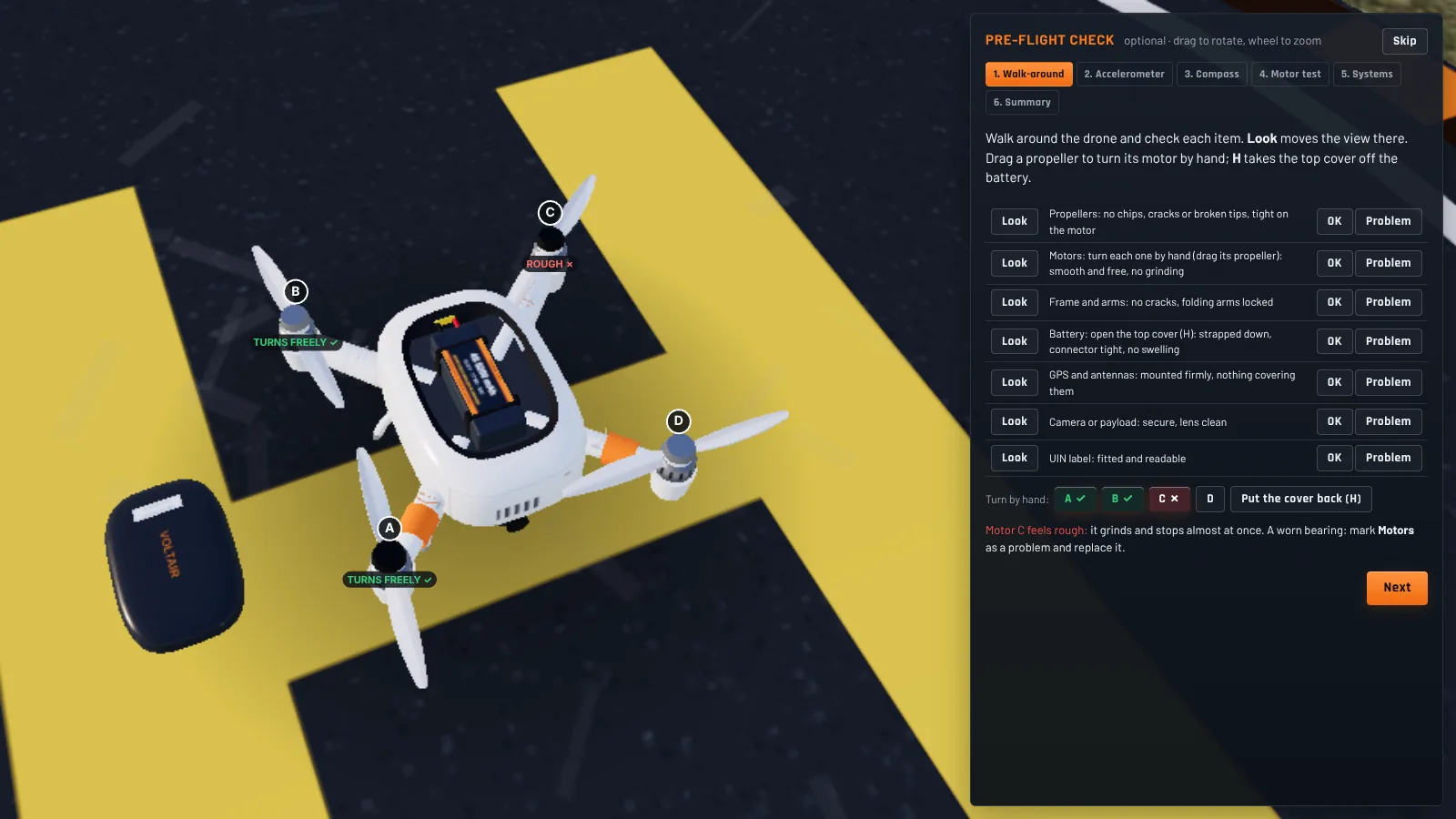
Walk around the drone and find the problems: a chipped propeller, a worn motor, a cracked arm or a swollen battery. Then calibrate and test the motors, as you would on the field.
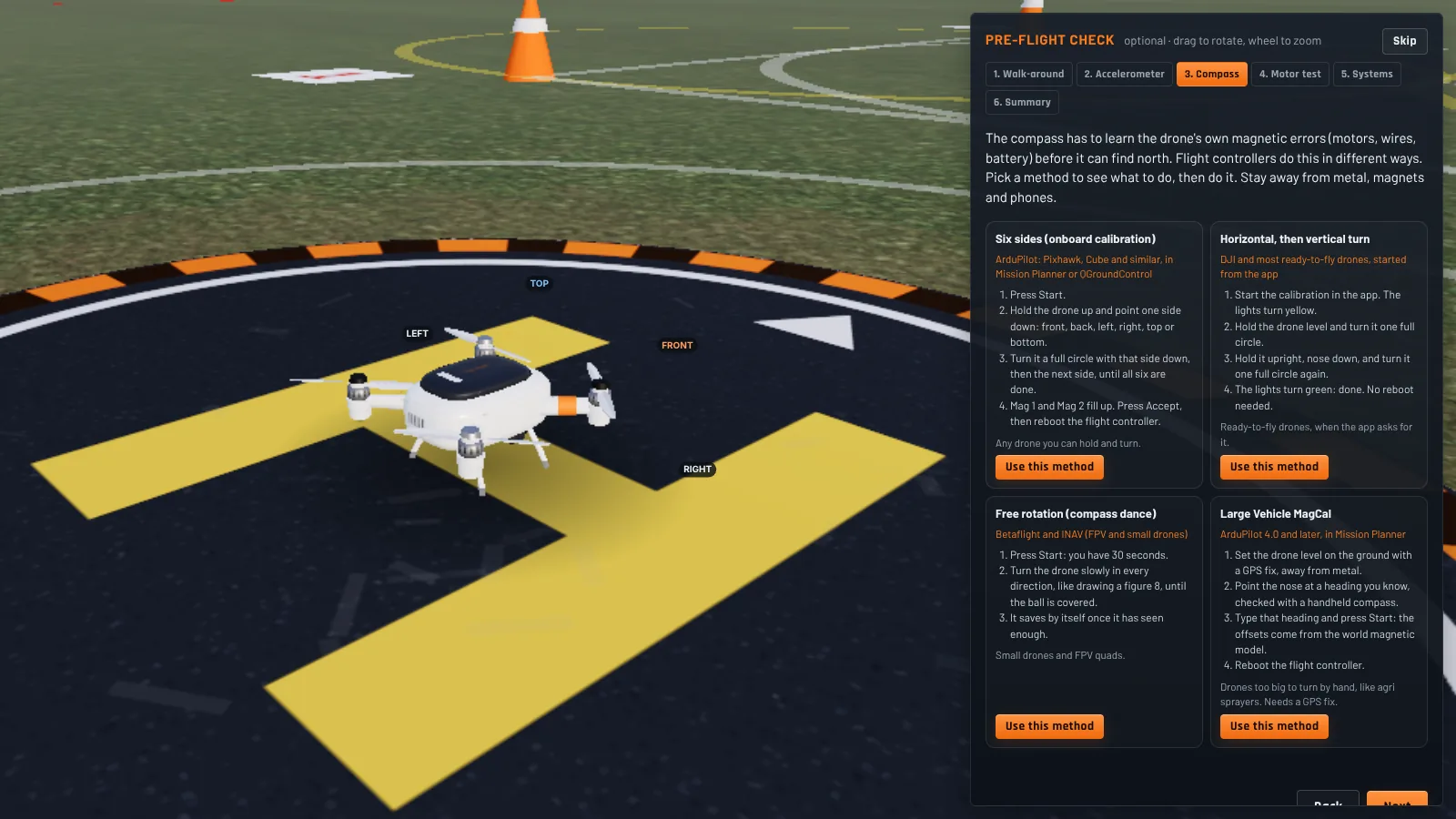
Accelerometer and compass calibration step by step, using the same methods as Mission Planner, DJI, Betaflight and INAV.
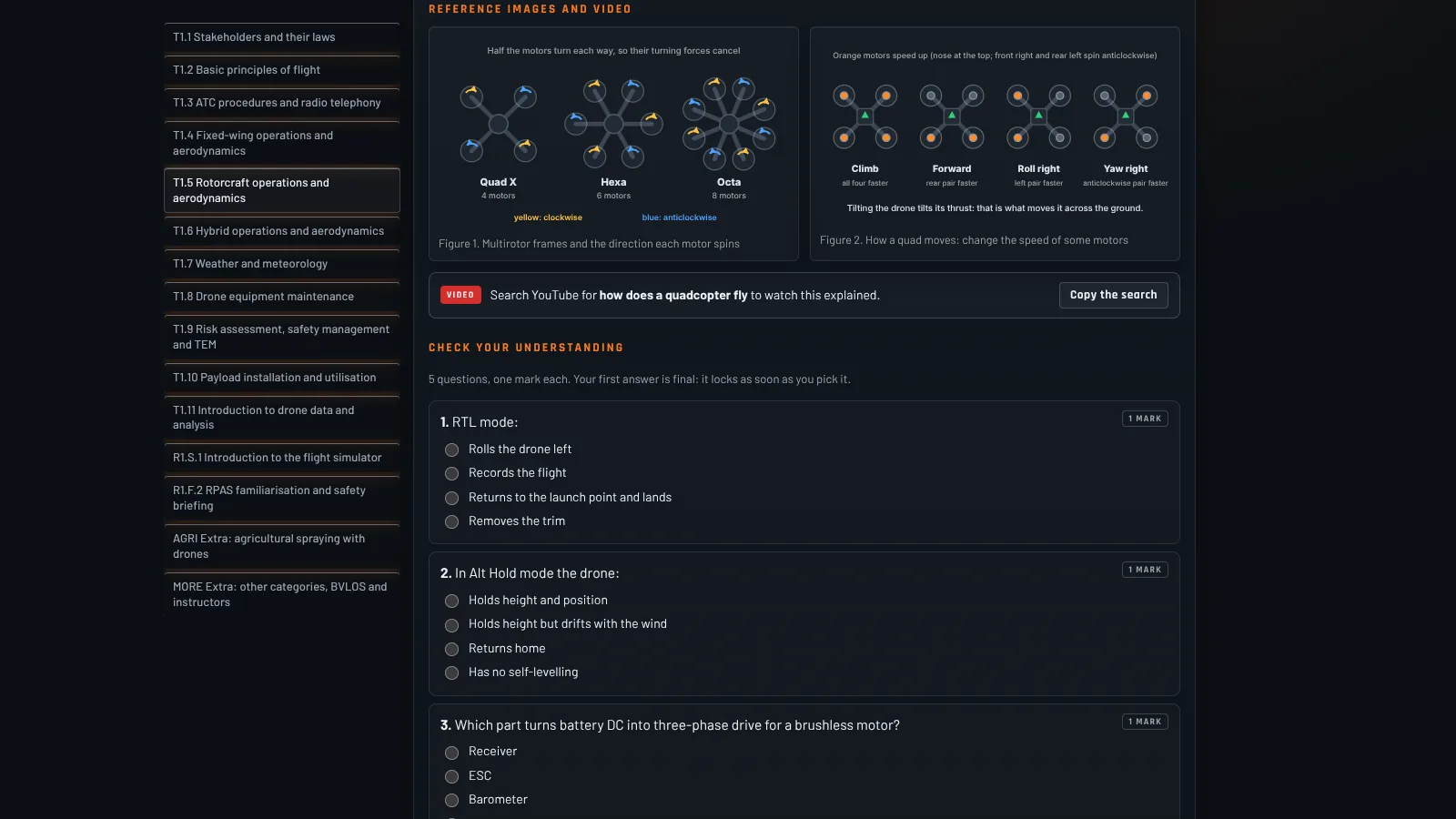
Lessons T1.1 to T1.11 from the DGCA syllabus, each with a 5 question quiz, then a 40 minute theory test with marks and a grade from A to E.
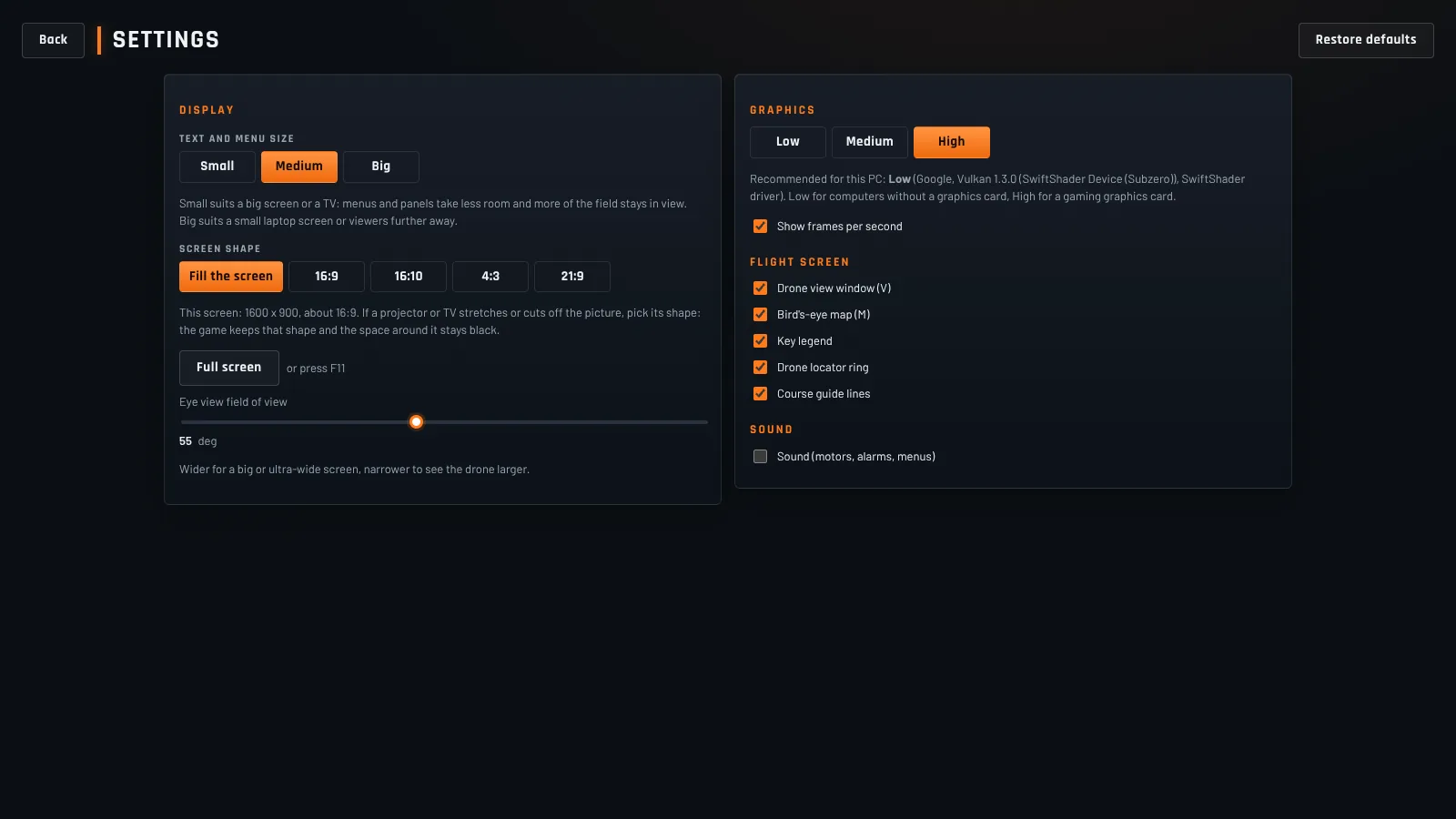
Low, medium or high graphics, so it runs on laptops without a graphics card. Text size and screen shape settings make it work on a TV or projector in a classroom.
Plug in any RC transmitter, USB dongle or gamepad. The simulator finds it, guesses the channel order and walks you through calibration in Mode 2. No radio yet? Fly with the keyboard: W and S for throttle, A and D for yaw, the arrow keys for pitch and roll.
Practise in three places: an RPTO training ground, a farm and a cricket stadium. Set the wind, gusts and time of day, including night flying.
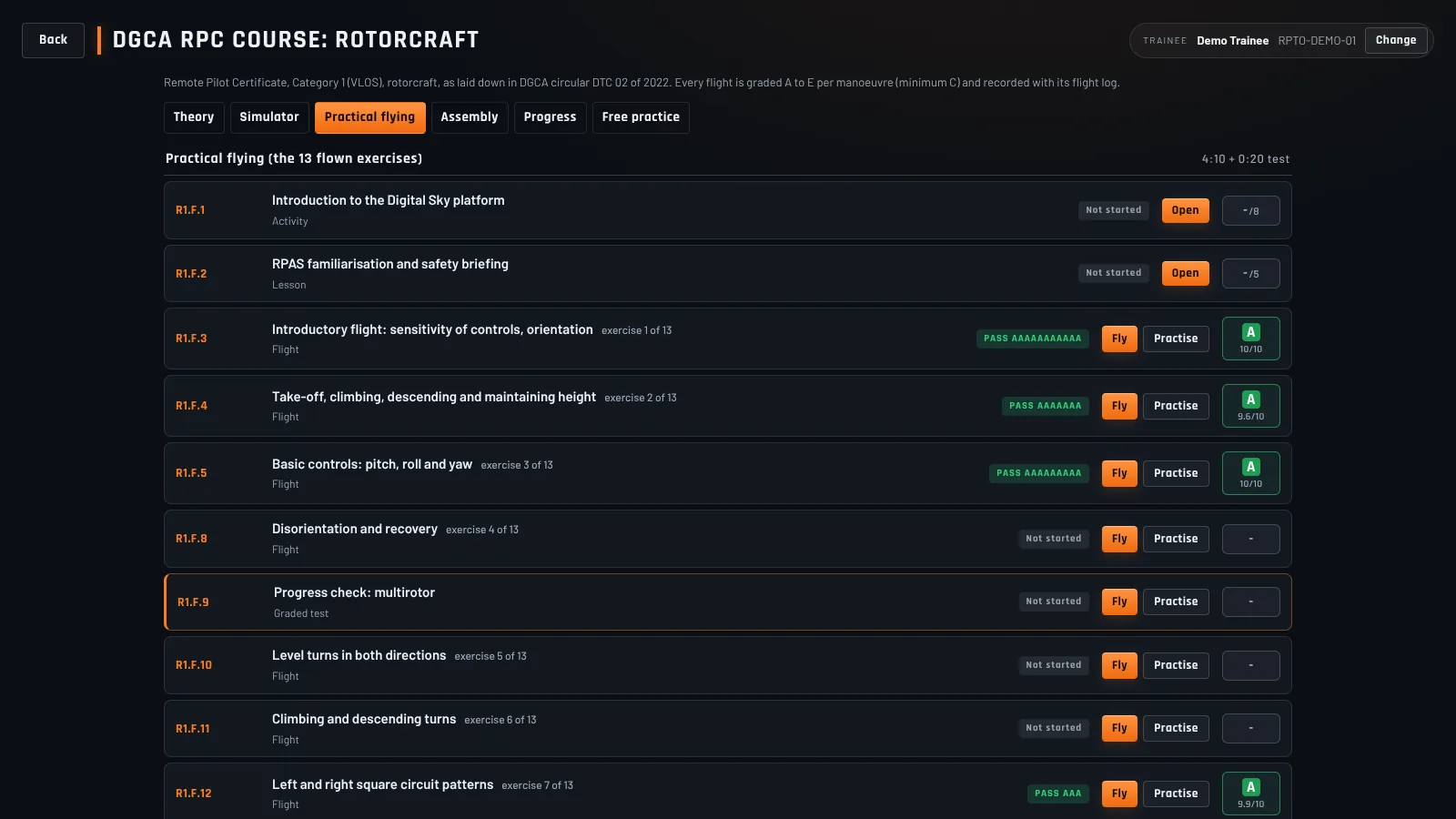
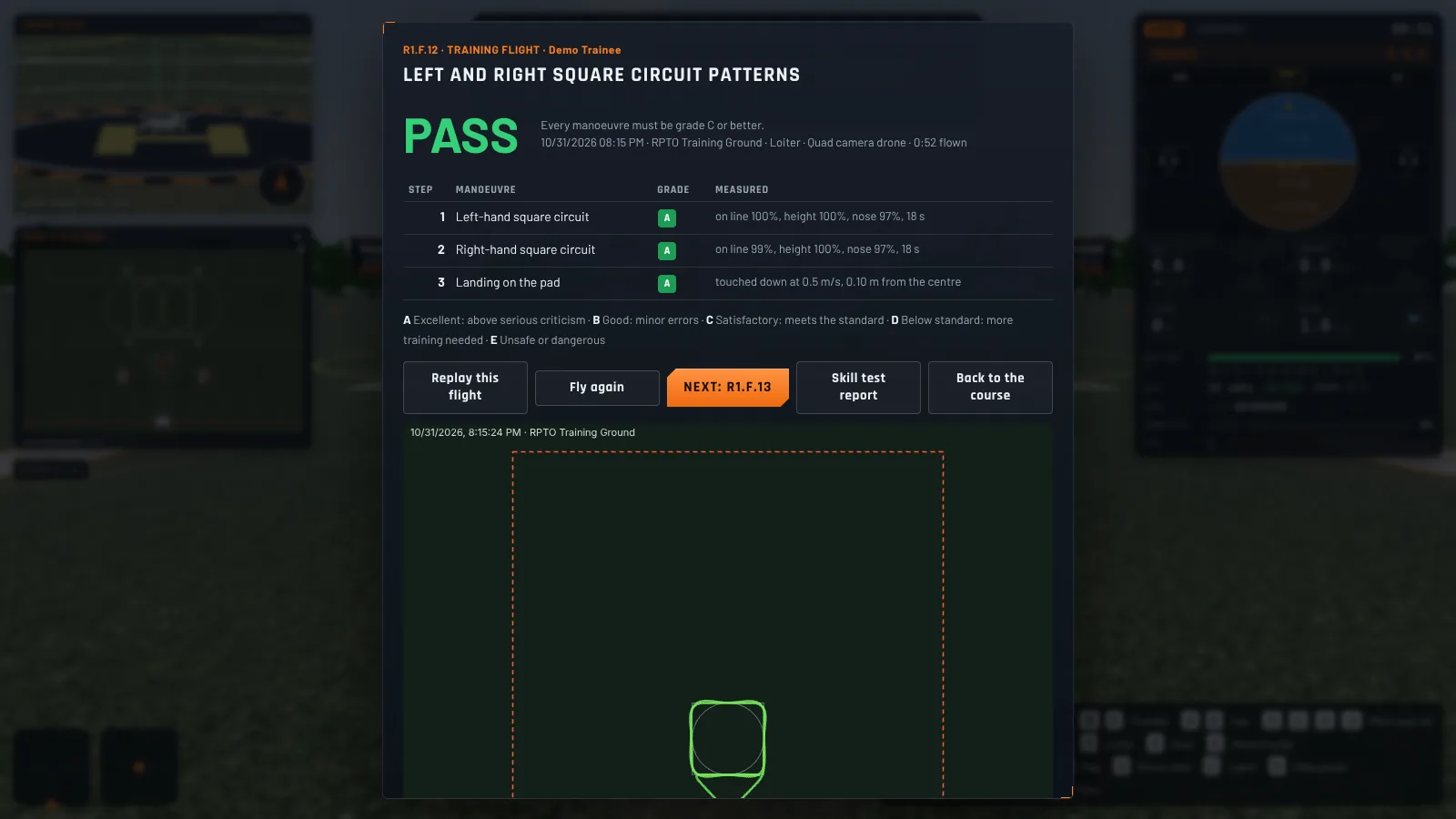
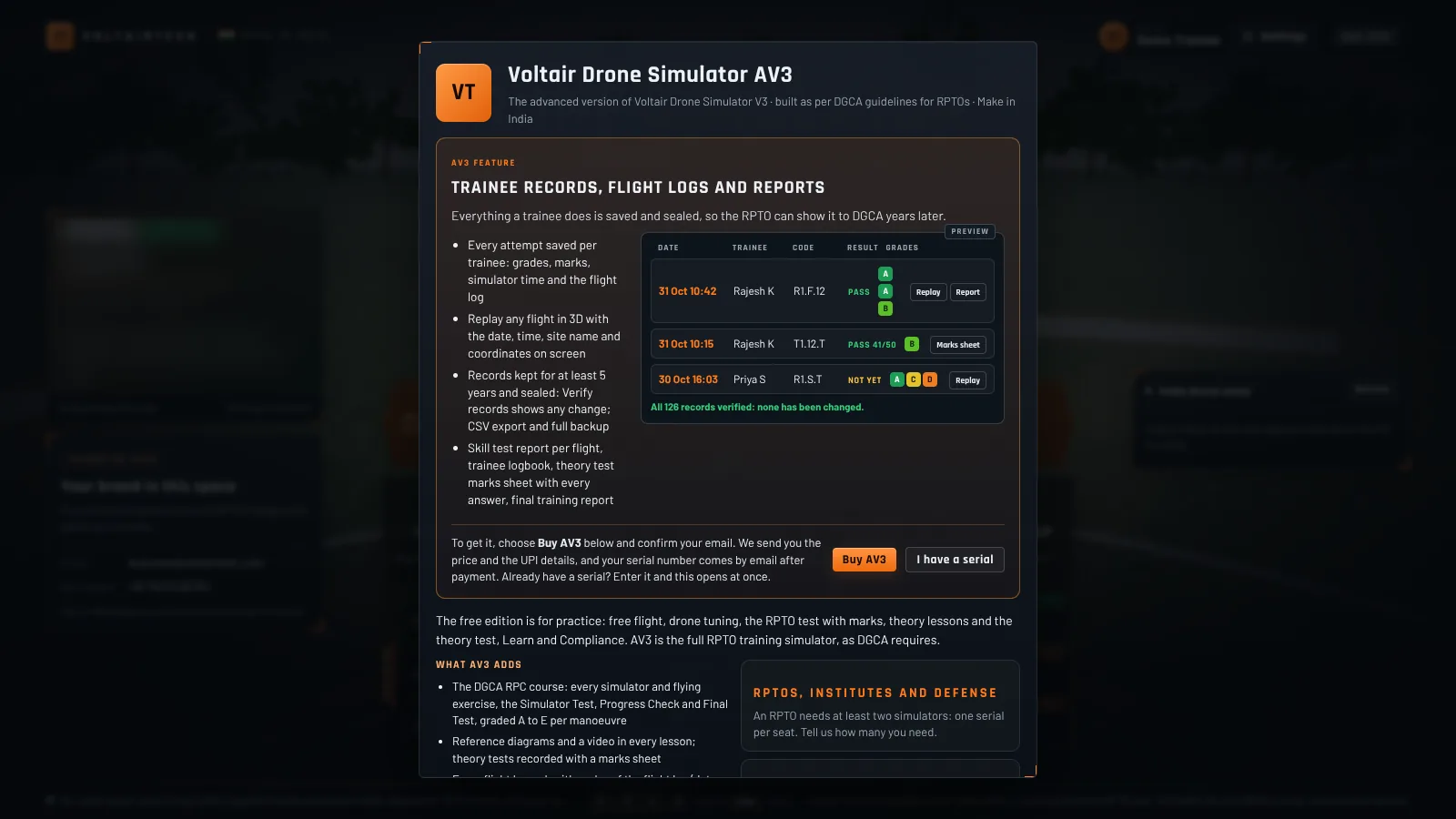
AV3 is the advanced version for training organisations. It turns the simulator into the full DGCA RPC course, with grades, records and reports you can show DGCA. It is switched on inside the same download, one serial per PC.
Yes. The free edition has no time limit and no sign up. It includes the RPTO practice test with marks, all 13 DGCA flying exercises, the theory lessons and test, free flight and radio setup. Results in the free edition are not saved.
It follows the DGCA RPC syllabus for small rotorcraft (DTC 02 of 2022) and the simulator rules (DTC 01 of 2026). You can download the compliance list, which shows where each DGCA requirement is in the simulator.
Yes. Any radio, USB dongle or gamepad that your computer sees as a game controller works, including EdgeTX and OpenTX radios in USB joystick mode. Radio setup walks you through it in Mode 2. You can also fly with the keyboard.
Windows 10 or 11 (64 bit), or a Mac with Apple silicon (M1 or later) on macOS 11 or newer. A graphics card helps but is not needed: choose Low graphics on a basic laptop.
Only to download it. After that everything works offline. With internet it also shows India drone news and tells you when a new version is out.
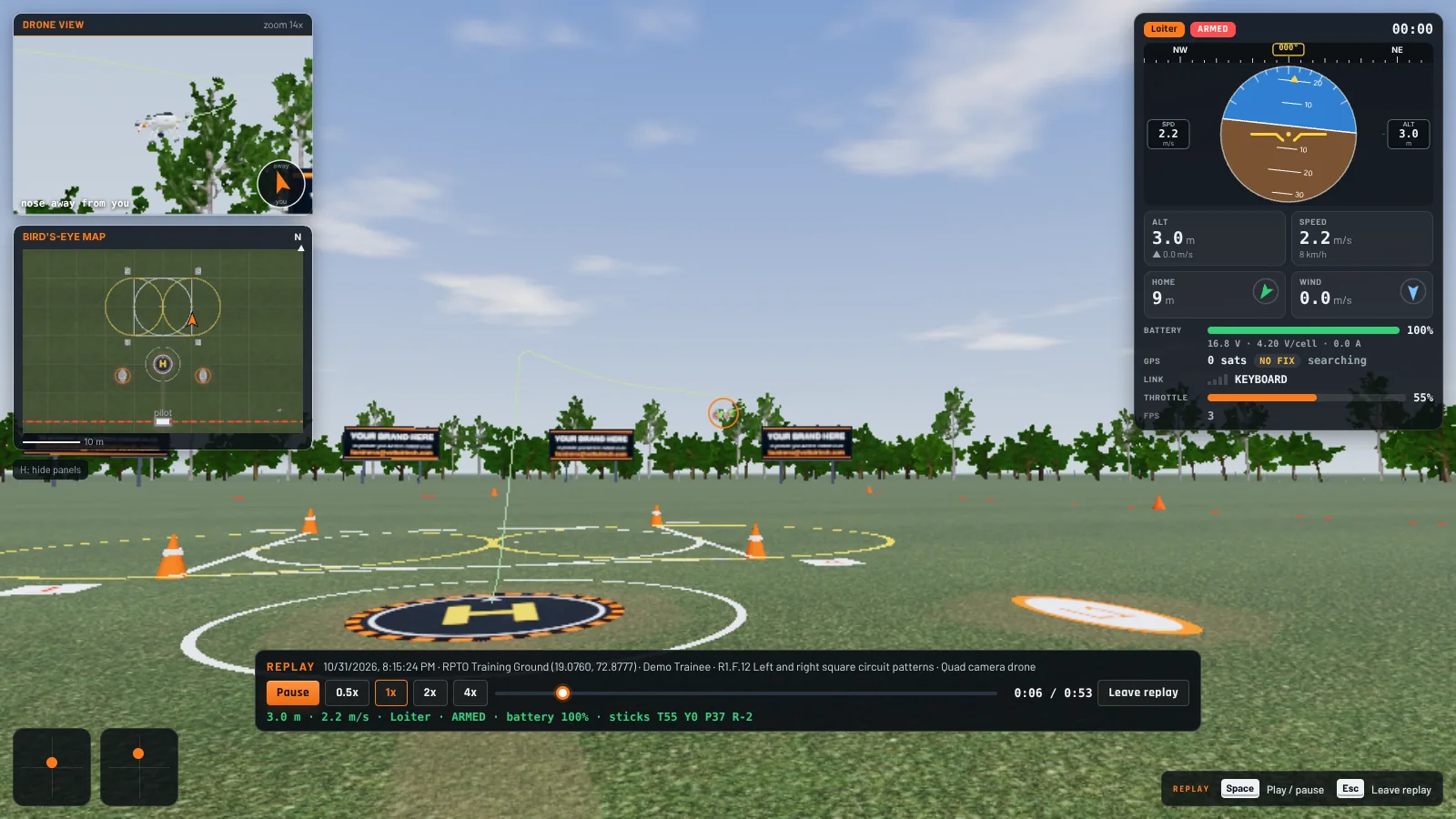
AV3 is the advanced version for RPTOs, colleges and defence training units. It adds the full DGCA RPC course with grades, flight logs and 3D replay, trainee records, reports and instructor mode. It is switched on inside the same download with one serial per PC.
The first time only, right click the app in Applications and choose Open, then click Open again. On the newest macOS, go to System Settings, Privacy and Security, and click Open Anyway. After that it opens normally.
Start your project or scope your idea. WhatsApp is fastest. Email for a paper trail. Direct line is open Mon to Sat, 10:00 to 20:00 IST.
Drones, AI, and robotics and IoT, made in India. A free RPTO drone simulator, partnerships with Indian drone makers, and AI that does your repetitive work.